
ZEPHIRE DID YOU KNOW? | LATE FEES
Late fees are about more than the amount. How they are applied, which invoice includes them, and how often they are assessed all shape your billing process.
Zephire supports late fees calculated as a fixed dollar amount or a percentage of the invoice balance. Beyond the calculation method, you can choose how those fees are applied and billed.
Here are three settings to review when aligning late fees with your operation’s established billing policy.
1. Choose how late fees are applied
For group accounts, a key distinction is whether a late fee is based on the number of parkers or applied once per invoice.
Per parker
Calculate the account’s late fee based on the number of parkers.
Per invoice
Apply one late fee per invoice, regardless of how many parkers are on the account.
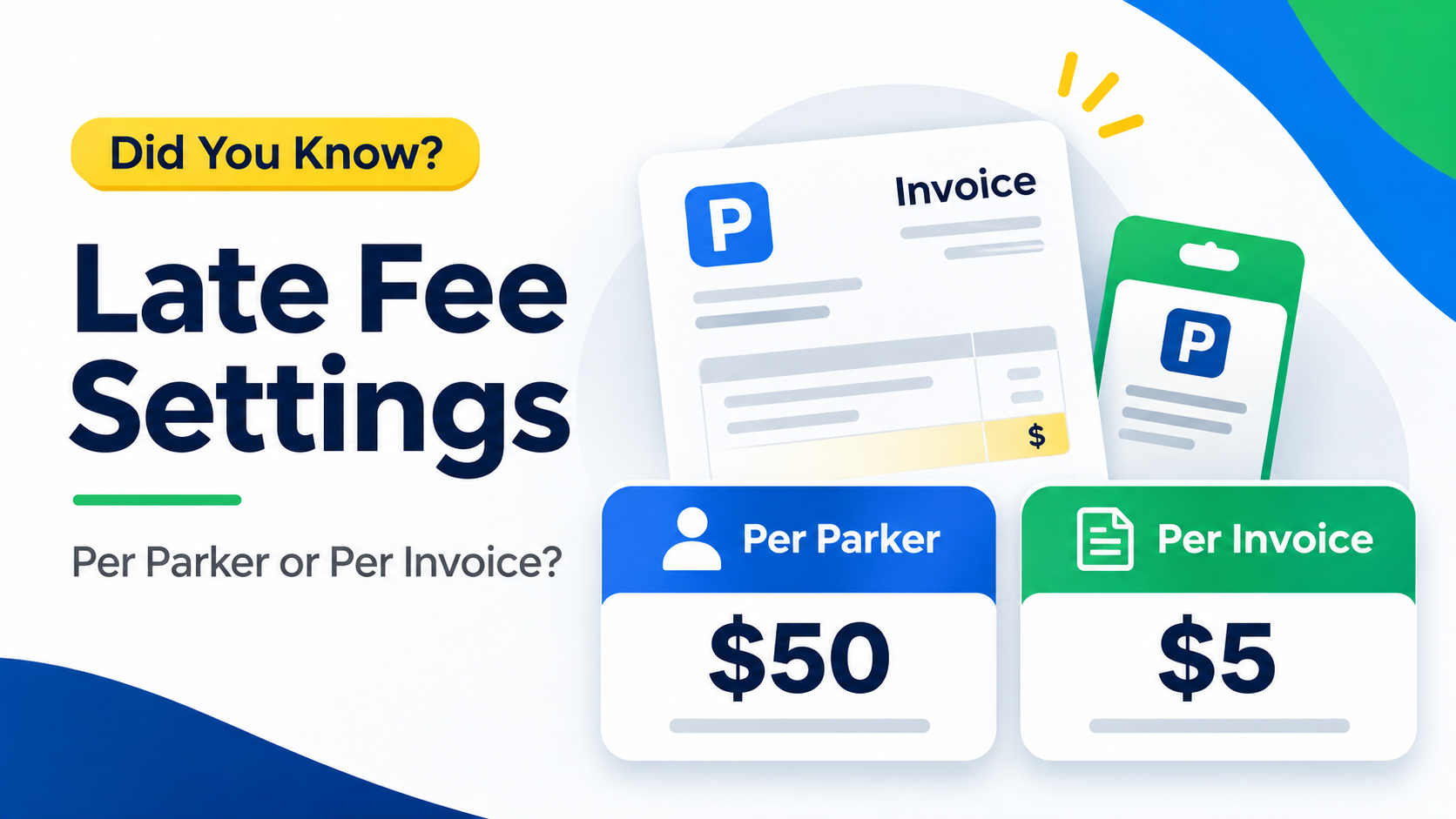
One account. Two ways to apply the fee.
One past-due invoice covers 10 parkers. A $5 fixed late fee is assessed once, and all 10 parkers are subject to the fee.
Per parker
$50
10 parkers × $5 each
Total late fee for the account
Per invoice
$5
1 invoice × $5
Total late fee for the account
Illustrative example: one invoice and one assessment. This is a fixed-dollar example, not a percentage-based calculation.
The difference is how the fee is applied—not a change to the $5 amount in this example. Choose the approach that reflects your established billing policy.
2. Choose which invoice includes the fee
Assessing a late fee and including it on an invoice are separate decisions. Zephire gives you two options for where the charge appears.
Open invoice
Add the late fee directly to the existing open invoice.
Pending
Leave the fee pending until it is included on the next invoice.
3. Choose how often fees are assessed
You can also choose whether a past-due invoice receives a one-time late fee or recurring monthly assessments.
One time
Assess the applicable late fee once after an invoice becomes past due.
Monthly
Assess a late fee each month the invoice remains open and past due.
When reviewing your settings, keep two questions separate: which invoice includes the fee, and how often the fee is assessed.
Start with your billing policy
Before changing settings, confirm how your operation intends to handle late fees: per parker or per invoice, on the open invoice or the next invoice, and once or monthly.
For percentage-based fees or account-specific scenarios, ask Zephire Support to walk through the calculation and relevant settings before making a change.
The goal is a clear, repeatable approach to applying and billing late fees.
Need help with your late-fee settings?
Contact Zephire Support for help reviewing your options and setting up late fees for your operation.
Contact Zephire SupportOr explore Zephire’s education and support resources.
Part of Zephire Did You Know?—practical tips for getting more from your parking management software.